Install the Agent
The Agentic Runtime agent is a single binary for macOS, Linux and Windows, with no dependencies. Each developer installs it once; the device registers itself the first time the agent runs.
1. Download the Binary
curl -fsSL https://get.bytehide.com/agentic | shcurl -fsSL https://get.bytehide.com/agentic | shThis installs the bytehide-agentic command.
2. Link the Device
bytehide-agentic loginbytehide-agentic loginThe command opens your browser to sign in with ByteHide. Approving it binds this machine to your organization and hands your organization's project token to the CLI over a local loopback address (127.0.0.1), so it never leaves your machine. The CLI saves it to ~/.bytehide/config.json.
3. Install the Daemon
bytehide-agentic installbytehide-agentic installThe agent installs itself as a background service: a LaunchAgent on macOS (no sudo needed), a systemd service on Linux, or a Task Scheduler task on Windows. It survives reboots.
You're Protected
Coding agents such as claude, codex, aider or gemini are wrapped automatically through shell aliases, with no environment variables or flags. Open a new terminal and use them as usual.
The device appears in Agentic runtime → Devices within a minute of the agent starting.
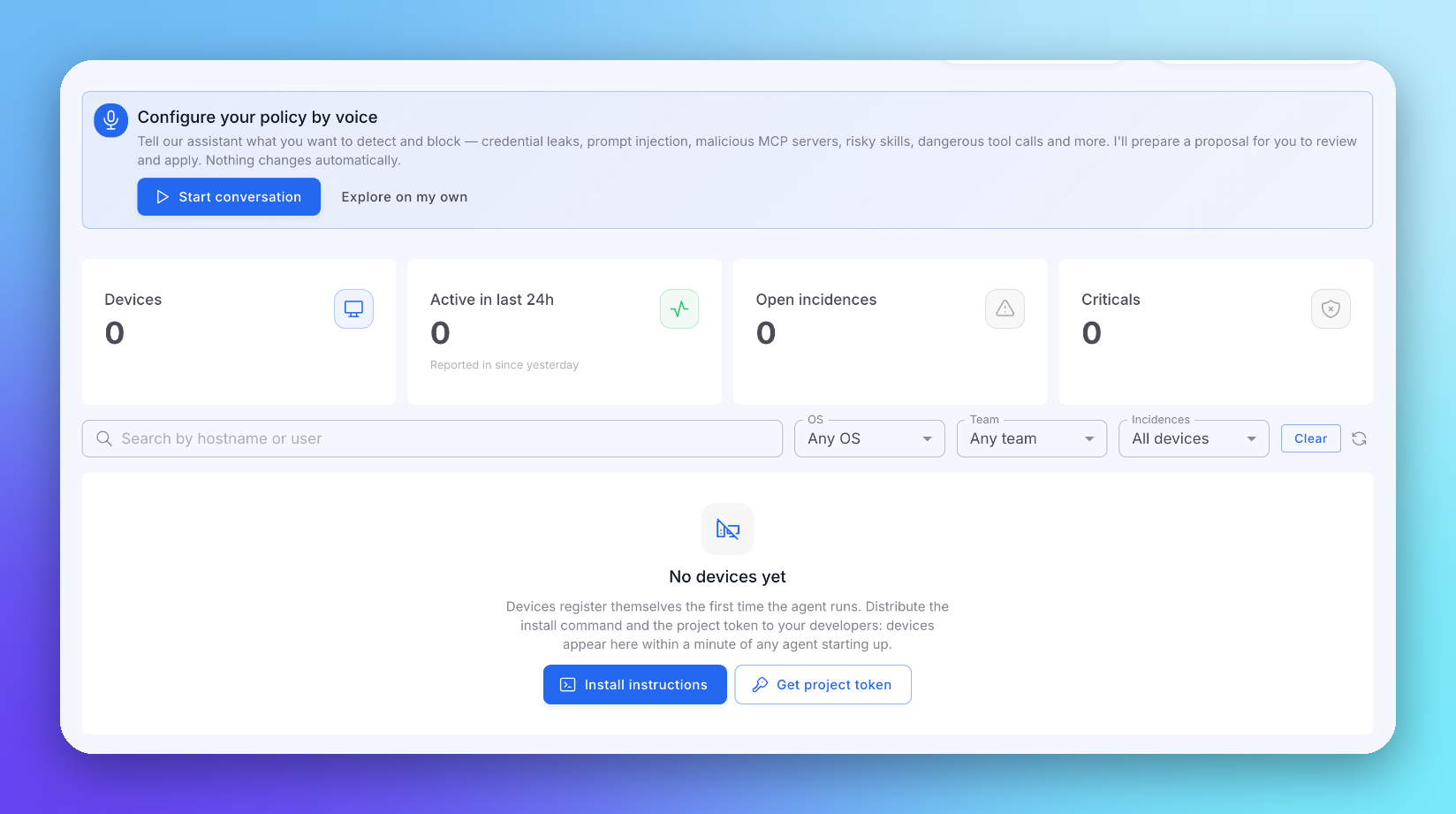 Click to expand
Rolling Out to a Team
Distribute the install commands to your developers. Every device registers with your organization on its own; there is no per-device configuration in the console.
Your organization's project token is in Agentic runtime → Settings. Devices register against it, and resetting it locks out every installed agent until they receive the new value. See Settings.
Next Steps
Policies
Set what the agent observes and blocks
Devices & Members
See every device in your fleet